


Overview
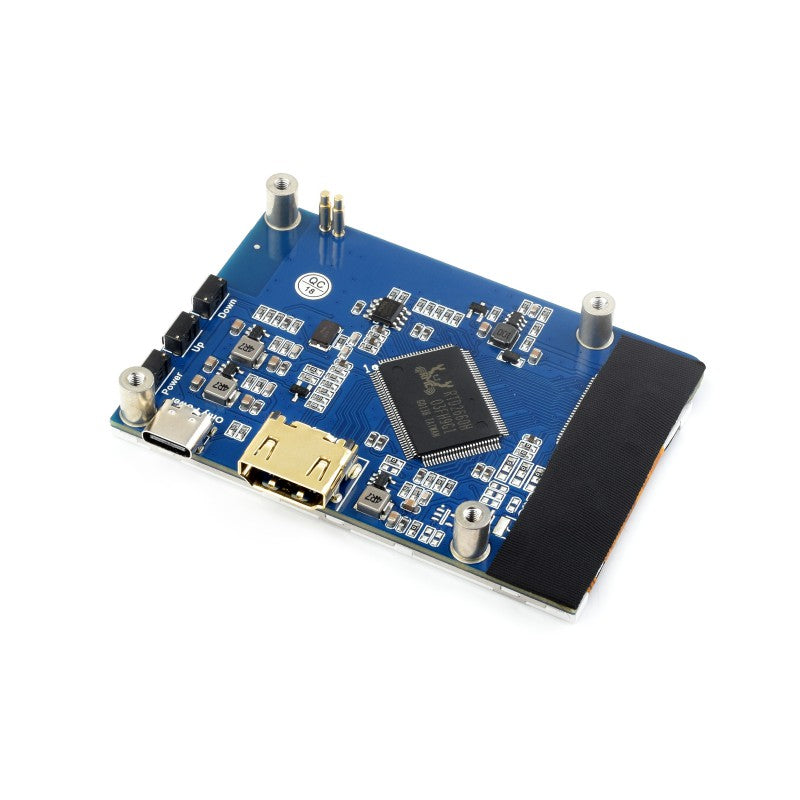
This is a 3.2inch HDMI display, 480 x 800 resolution, supports Raspberry Pi, Jetson Nano, and Desktop Windows PC.
Features
- 3.2inch IPS display, the hardware resolution is 480 x 800.
- Working with Raspberry Pi, support Raspberry Pi OS / Ubuntu / Kali and Retropie.
- Working with Jetson Nano, support Ubuntu.
- Working with PC, support Windows 11/10/8.1/8/7.
- Backlight is adjustable, saving power consumption.

Work with windows PC
To use with Windows PC, the display supports Windows 11, 10, 8.1, 8, and Windows 7.
- Connect the Only Power interface to the USB port of the PC.
- Connect the Display interface to the HDMI port of the PC.
Note: This display is a portrait mode by default, the resolution is 480 x 800. You can change the orientation by software.
Work with Raspberry Pi
To use the display with the Raspberry Pi, this LCD can support Raspberry Pi OS / Ubuntu / Kali and Retropie systems, you need to configure the resolution manually.
- Download the newest image from Raspberry Pi website.
- Unzip the image archive and get the .img file.
- Format the SD card with the SDFormatter software.
- User the Win32DiskImager software, and write the .img file to the SD card.
- After writing, modify the config.txt file:
hdmi_group=2
hdmi_mode=87
hdmi_timings=480 0 50 20 50 800 0 19 20 20 0 0 0 60 0 38000000 6
- Save and eject the sd card.
- Insert the SD card into Raspberry Pi.
- Connect the Only Power interface to the USB port of the Raspberry Pi.
- Connect the Display interface to the HDMI port of the Raspberry Pi.
- Waiting for a moment, and the display lights and works.
Note: This display is a portrait mode by default, the resolution is 480 x 800. You can change the orientation by software.

